Store and loyalty CRM
Useful for WooCommerce stores and catalogs that need customer segments, repeat purchase campaigns and personalized offers.

A CRM is not just a contact database. It can connect purchase history, account activity, order frequency, preferred categories, partner requests, birthdays, name days and follow-up tasks, helping teams run more relevant campaigns and manage customer relationships with clearer context.
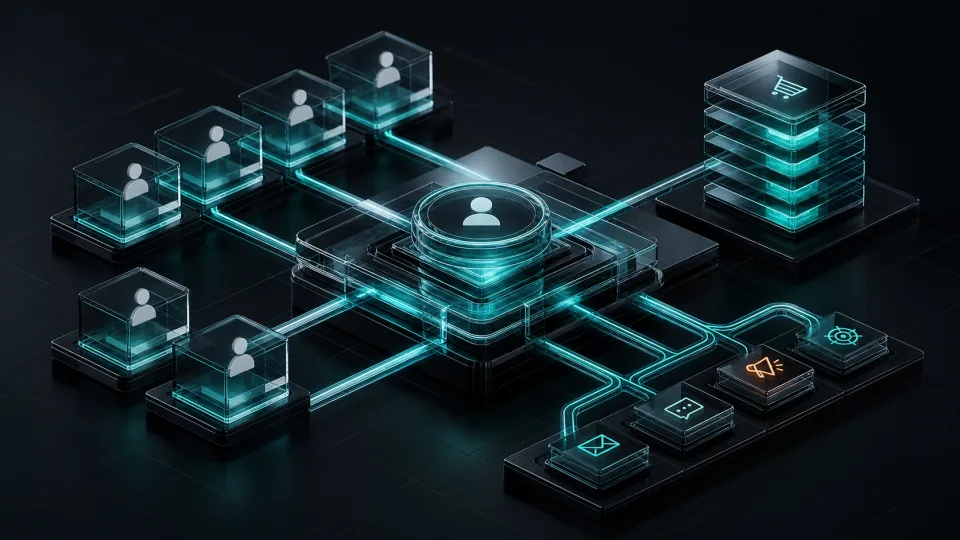
We build custom CRM solutions for businesses that want to understand customers, partners and sales opportunities better. The system can show who buys often, who stopped ordering, which accounts need follow-up and which groups respond to specific product categories or offers.
The right CRM depends on where the useful data already lives and what the team needs to do with it. We plan the CRM around the workflow, not around a generic list of fields.
Useful for WooCommerce stores and catalogs that need customer segments, repeat purchase campaigns and personalized offers.
Useful when the company manages partner accounts, private prices, quotes and activity from a B2B portal.
Useful when the business needs specific roles, dashboards, reports, data rules or API integrations that off-the-shelf CRM software cannot model well.
Good CRM decisions come from real examples, not from a blank field list. Before scoping, it helps to collect sample customer records, lead stages, campaign rules and the reports the team already uses to judge sales or retention.
A practical CRM should help teams decide what to do next, not only store contacts. These examples focus on situations where customer data has direct operational value.
Company profiles, contacts, open requests, recent orders, responsible team members and planned follow-ups in one view.
Structured tracking for inquiries from the website, campaigns, events or partner channels, with notes and next actions.
Visibility into partner logins, quote requests, orders, inactive accounts and opportunities for B2B sales teams.
Customers with no recent activity can enter follow-up lists based on account type, value, category or previous purchases.
Segments for VIP clients, category interest, birthdays, name days, seasonal offers, repeat buyers and high-value accounts.
Notes, files, tickets, service events and internal reminders that help the team keep context across long client relationships.
Contacts, accounts, order history, preferred categories, notes, files and communication history.
Groups by purchase frequency, average cart value, lifetime value, last order, account type and product interest.
Offers for birthdays, name days, inactive customers, VIP clients or specific product interests.
Internal reminders for sales, support, account management, renewals, calls and important customer events.
Email, SMS or internal workflow triggers for win-back campaigns, loyalty, follow-ups and special occasions.
Reports for active customers, repeat sales, customer value, campaign results and team activity.
A CRM can become messy quickly if the data model is unclear. Before development, we define which records matter, how the team will update them and which actions the CRM should help trigger.
Yes. A CRM can connect to WooCommerce, a B2B portal or another system and use orders, products, categories, customer history, partner activity and account notes.
Yes. Leads, companies, contacts, notes, tasks, roles, reminders and follow-ups can be part of the CRM workflow.
A custom CRM makes sense when the business has specific data, roles, partner workflows, reporting needs or integrations that a generic CRM cannot cover cleanly.
Yes. Campaign rules can use purchase frequency, birthday, name day, product interest, order value, account type or time since last activity.
Yes. We can plan API integrations, imports, exports and synchronization with email tools, SMS providers, ERP systems, stores, portals and other business services.