Windowed Admin Pages
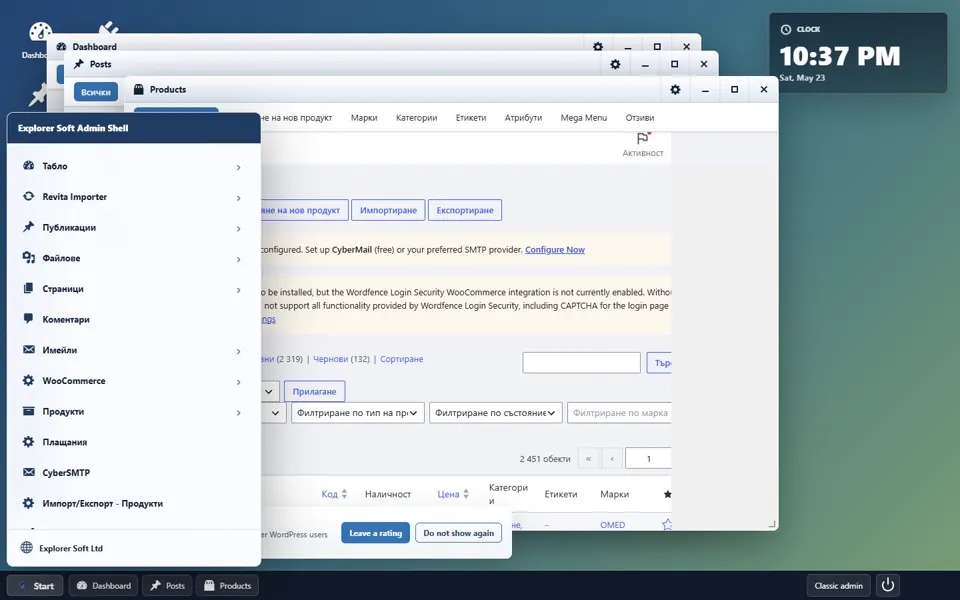
Open posts, media, comments, orders, plugins and tools as movable admin windows.
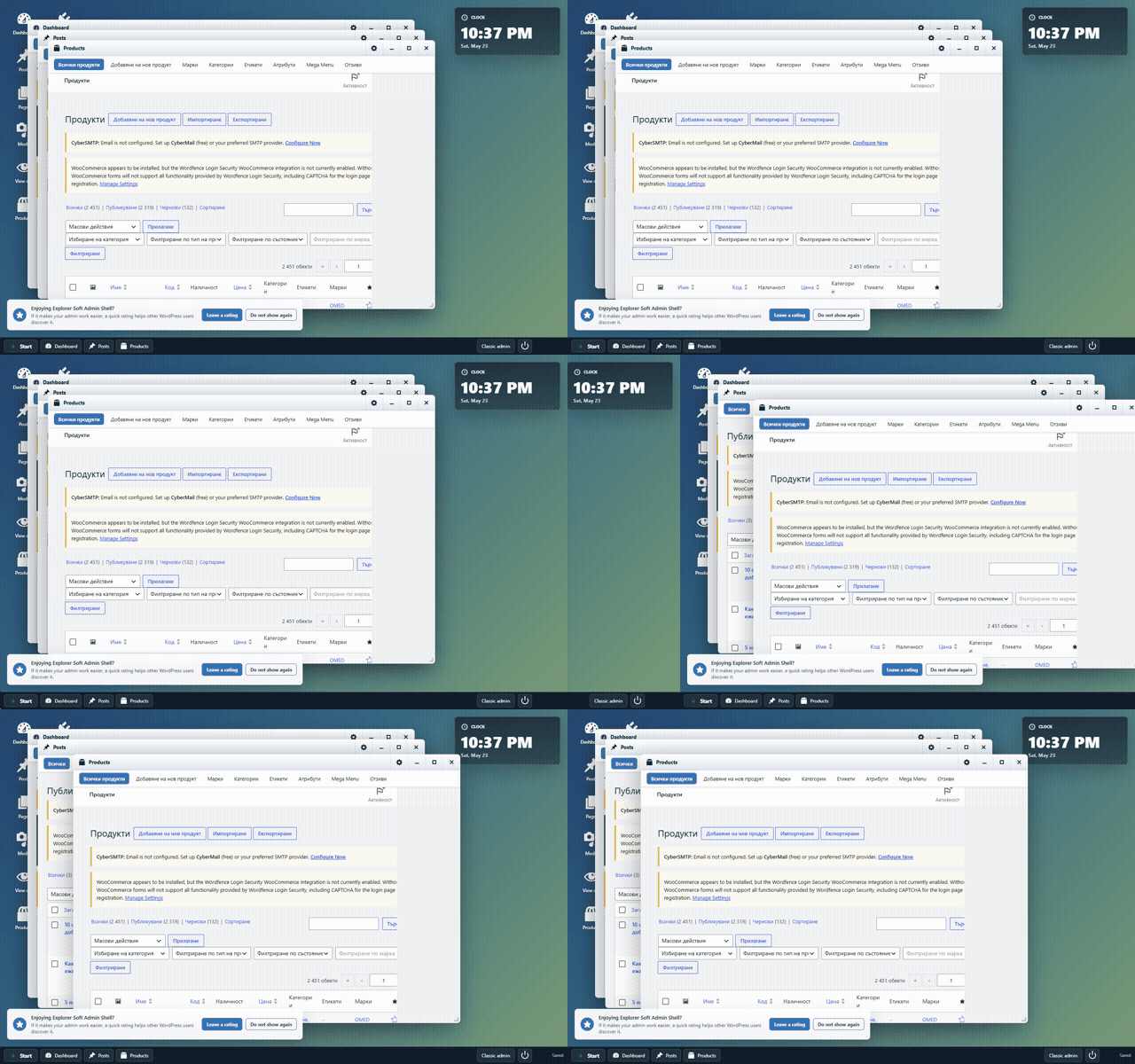

Open admin pages in windows, organize work into Spaces, launch complete workflows from App Center and track daily site tasks from native dashboard apps.
Content, WooCommerce, plugins, updates, moderation, Site Health and reports often spread across too many menus and browser tabs. Explorer Soft Admin Shell turns those daily admin flows into a desktop workspace with windows, taskbar items, Spaces, shortcuts and native apps.
A command-center layer for people who live inside WordPress: administrators, agencies, WooCommerce teams, content teams, developers and power users.
Open posts, media, comments, orders, plugins and tools as movable admin windows.
Keep Content, Store, Maintenance, Analytics and Developer work on separate desktops.
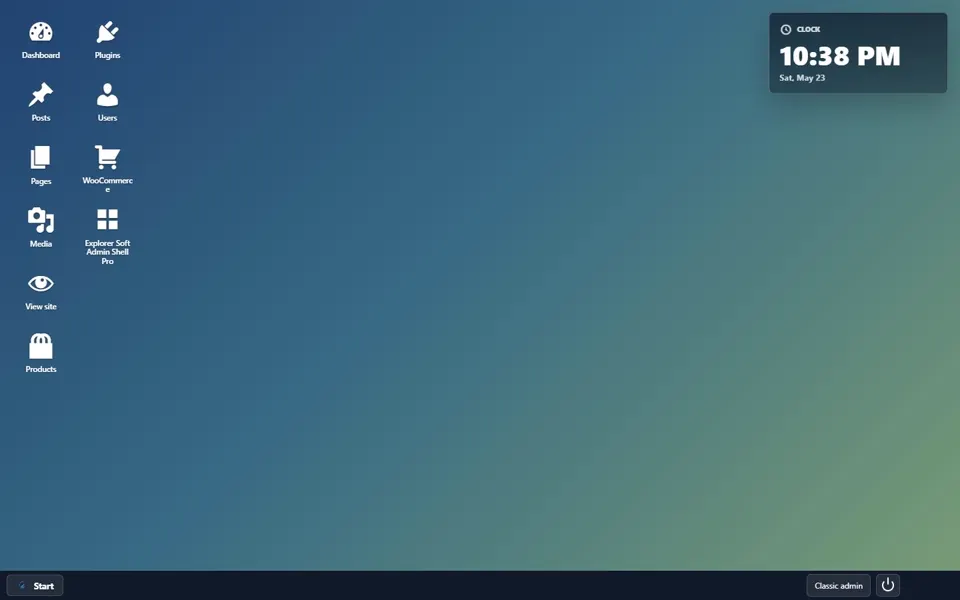
Search pinned apps, recent work, native apps, admin pages, toolbar actions and custom shortcuts.
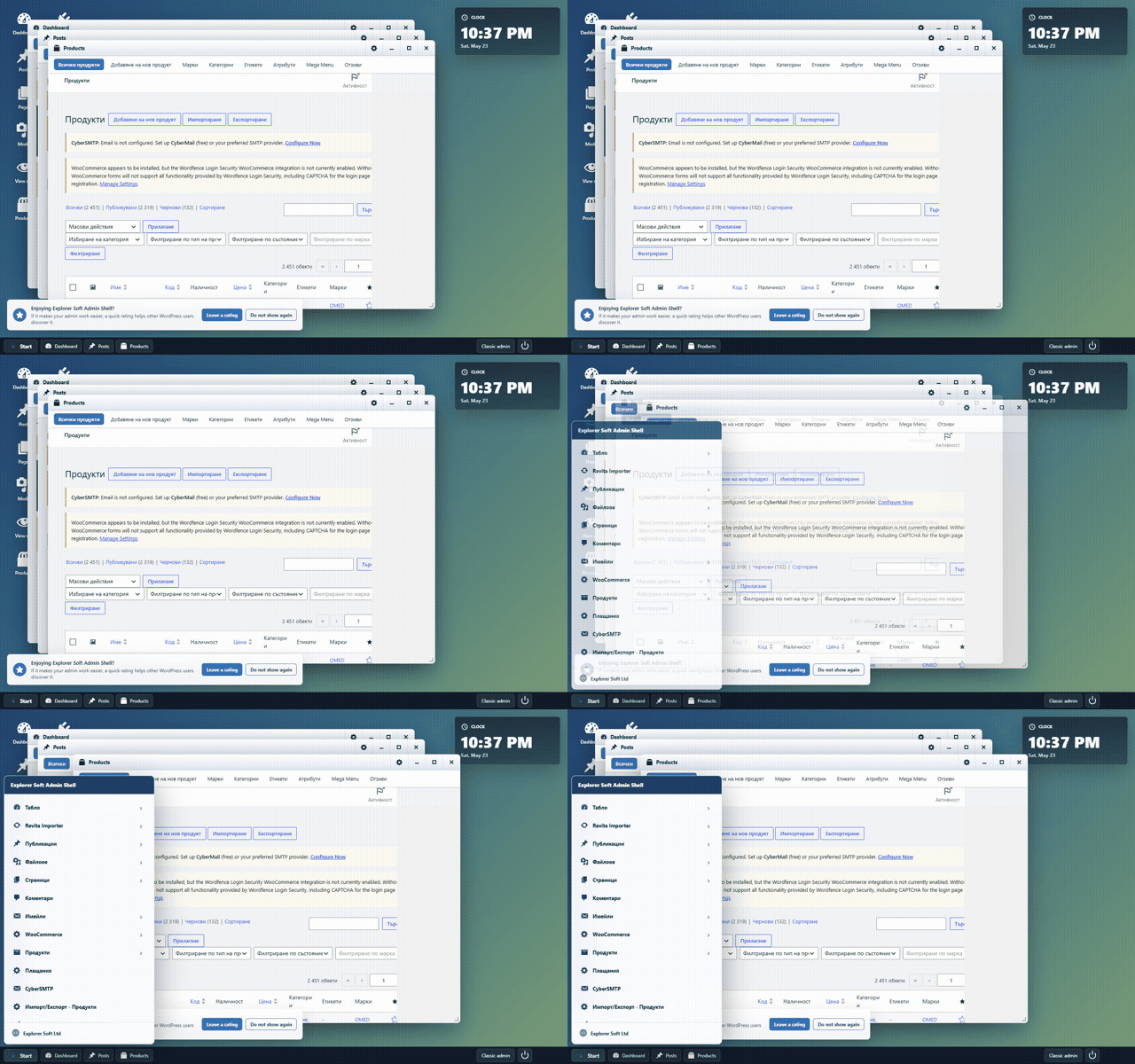
Turn local WordPress and WooCommerce signals into practical task cards.
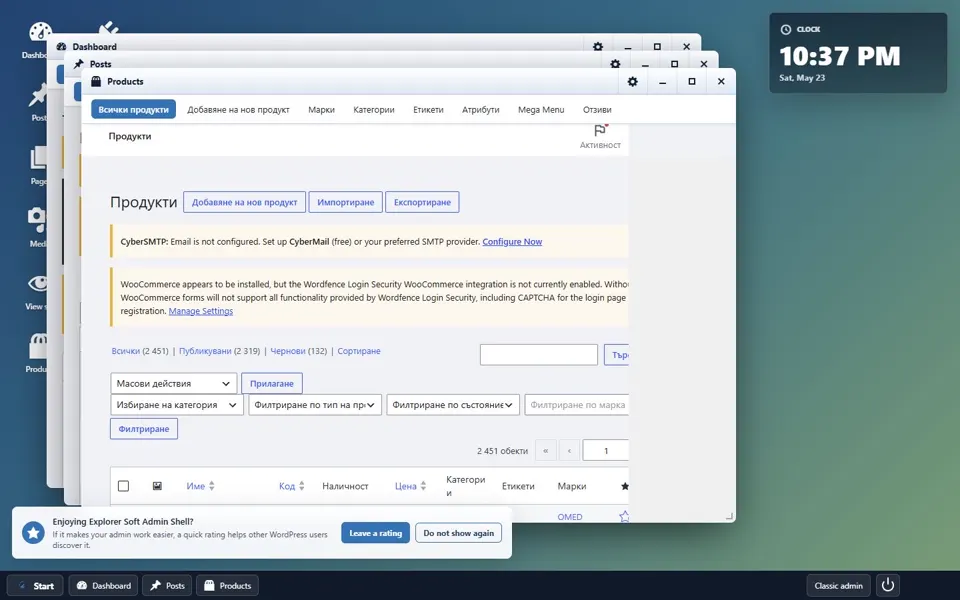
Read updates, content queues, WooCommerce backlog, scheduler health, system load and baseline hardening.
See orders, revenue, registrations, content activity and runtime health by period.
The shell includes focused desktop apps that read local WordPress, WooCommerce, cron, Action Scheduler, update, comment and runtime data.
The command launcher for your admin day: search every important admin page, pin tools, reopen recent work, add shortcuts and launch full workflows.
A live admin board with Today, Content pipeline, Store queue and Maintenance lanes, built from real site signals.
A fast read on operational state: updates, moderation queues, commerce backlog, scheduler health, runtime pressure and hardening checks.
Lightweight reporting without leaving the shell, with Today, Last 7 days and Last 30 days periods.
Watch the shell move from desktop shortcuts to multitasking windows, dragging and Start menu navigation. The next public demo can show App Center workflows, Workflow Board, Operations Center and Site Insights with real dashboard values.
Open several admin sections, tile windows and keep the taskbar visible.
Use App Center to start content, store, maintenance or daily pulse workspaces.
Show Workflow Board, Operations Center and Site Insights with local site data.
Explorer Soft Admin Shell keeps the classic WordPress admin available, while adding a workspace model for repeatable daily work.
Drag, resize, minimize, maximize, close, focus, back, forward, refresh, open in new tab, cascade, tile and use window overview.
Create up to 12 desktops, rename them, switch with Ctrl+Alt shortcuts and move windows or icons between Spaces.
Use Ctrl+Shift+K or Alt+K to launch apps, admin pages, window commands, desktop switching and shortcuts.
Create custom shortcuts and folders, restore defaults, use the clock widget and opt into weather or RSS news.
Use Settings > Admin Shell to control default admin landing, login redirect, layout reset and classic admin access.
No tracking. Native apps use local site data. Weather and news make external requests only after the current user enables them.
Explorer Soft Admin Shell is for teams and administrators who handle real daily admin queues, not just occasional content edits.
Reduce menu digging and keep frequent admin screens close.
Watch orders, products, stock and store operations from one workspace.
Use repeatable workspaces for client maintenance, updates and plugin checks.
Move between posts, pages, media, comments and scheduled content faster.
Keep plugins, updates, settings, tools, Site Health and debug screens nearby.
Bring order to daily admin work without replacing WordPress itself.
Install it like a normal WordPress plugin. The shell becomes the admin landing experience, while classic admin remains one click away.
Get the free plugin from the official WordPress plugin directory.
Add it from Plugins, activate it and keep your classic admin available.
Use windows, Spaces, App Center, Workflow Board and native dashboards from inside WordPress.
The core command center is already active. Next work focuses on deeper extension points, richer workflow memory and optional tools for heavier admin environments.
Explorer Soft develops WordPress solutions, custom web systems, hosting infrastructure and modern digital tools for companies that need practical, stable software.
Experience a desktop command center for real WordPress administration today.