Appointment-based services
Consultations, diagnostics, meetings, demonstrations, onboarding sessions or other time-slot based work.

A booking flow should be clear for customers and practical for the team that manages it. We build appointment systems, service calendars, staff schedules, resource availability, notifications, payment logic and website integrations around the way the business actually accepts work.
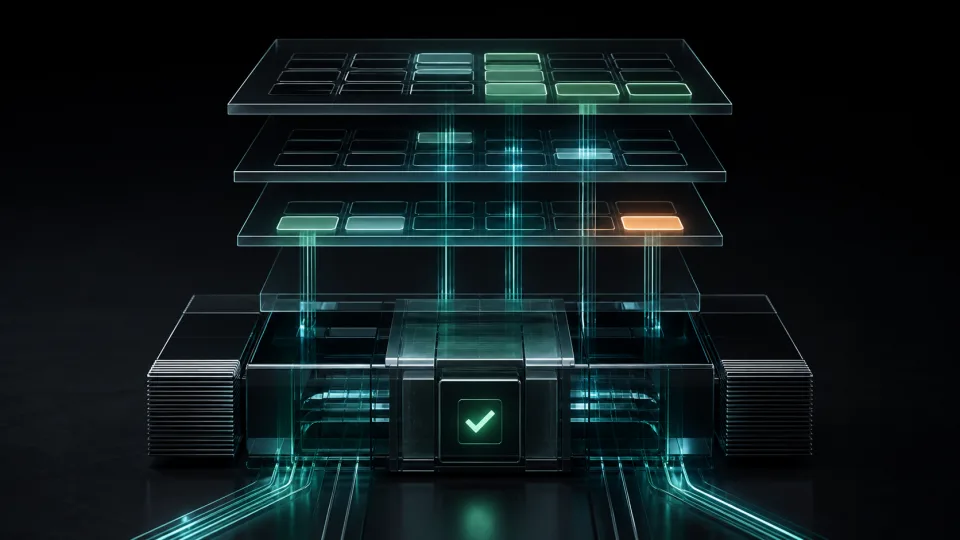
The exact setup depends on the business model: fixed services, staff-based availability, rooms, equipment, deposits, online payments, manual approval or automated confirmations. We plan the rules first, then build the interface and administration flow.
Booking work is often operational. The important part is not only showing free hours, but matching availability, approvals, payments and follow-up to the way the team works.
Consultations, diagnostics, meetings, demonstrations, onboarding sessions or other time-slot based work.
Separate calendars for people, teams or departments with individual working hours, assigned services and blocked periods.
Rooms, equipment, locations, vehicles or shared resources where availability must be controlled before confirmation.
Partner or client requests connected to account rules, approvals, documents or a future B2B portal.
Bookings can create leads, customer records, reminders or service history inside CRM systems.
Deposits, payment links, confirmation emails, SMS reminders and status updates through API integrations.
The first version should cover the smallest booking flow that the team can trust. It should make availability clear, prevent double booking, show the correct status to the customer and give administrators enough control to fix exceptions.
Readable calendar views, available hours, blocked periods and recurring schedules.
Service duration, prices, buffers, categories and booking rules.
Different working hours, assignments, availability and internal visibility.
Email notifications, confirmations, reminders and status messages.
Optional online payments, deposits, payment links or inquiry-only flows.
Manage bookings, approve requests, edit statuses and review upcoming appointments.
A useful booking system is not only a calendar on a page. Before development, we define what can be booked, who can approve it, what the customer sees, what the team manages and which external systems must be notified.
When the business has multiple teams, resources or approval steps, the booking interface needs to reflect those rules without making the customer experience heavy. For more complex portals, we can connect booking to controlled access, dashboards and data automation.
Yes. A booking can be submitted as a request and confirmed later by an administrator, manager or assigned team member.
Yes. Staff, locations, rooms, equipment or other resources can have separate availability, blocked periods, services and booking rules.
Yes, depending on the required payment provider and the booking rules. The system can support deposits, payment links, full payment or inquiry-only flows.
Yes. We can plan integrations for CRM records, calendar feeds, email/SMS notifications, payment providers, internal dashboards and external systems with reliable APIs.
Yes. Support can include monitoring, hosting coordination, updates, notification checks, payment checks, bug fixes and further workflow improvements.